Your coins are gone but the episode is still locked. You watched the whole ad and nothing happened. The player just spins. Or today’s free episode has vanished. If Pocket FM episodes not unlocking (or not loading) is what brought you here, start by closing and reopening the app and updating it, then use the fix below that matches your problem.
Most of these problems come from the phone side (stale cache, an old app version, a weak network or the wrong account) and take a few minutes to fix. Do the three quick checks first, then jump to the fix that matches your situation.
Check these 3 things first (30 seconds)
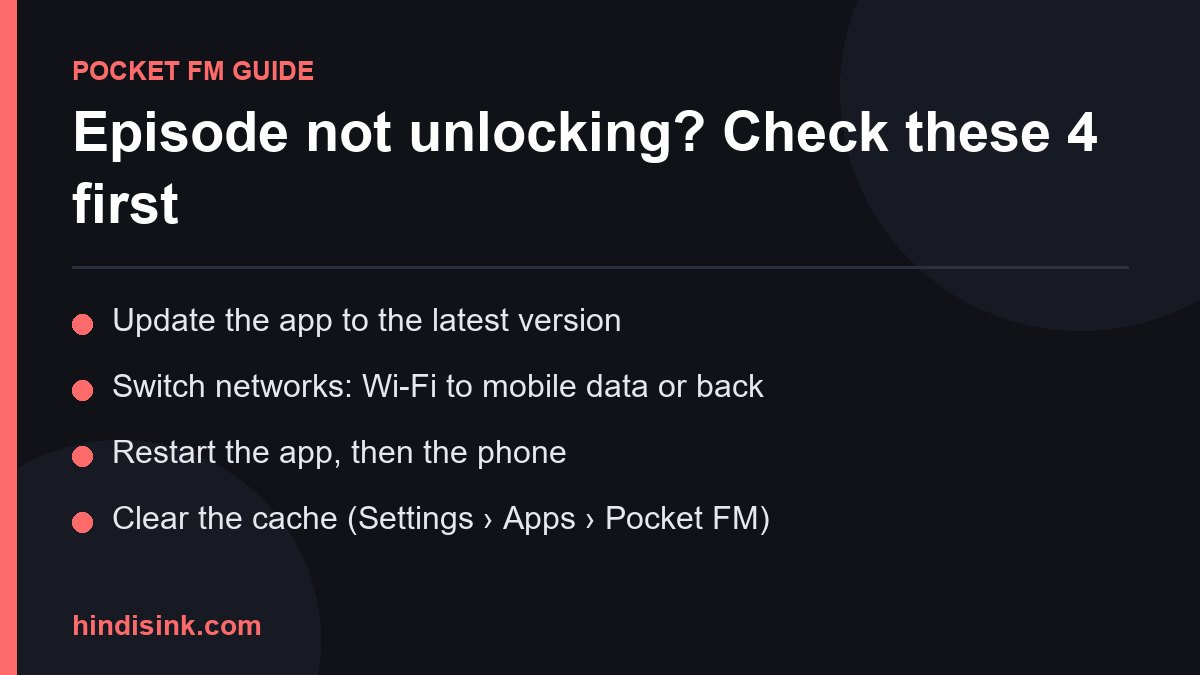
- Your connection: switch between Wi-Fi and mobile data. Pocket FM streams episodes, so on a weak connection an episode can unlock but still refuse to play.
- App updates: open Pocket FM on Google Play or the Apple App Store. If you see “Update”, install it first. Old versions are a common cause of buttons that do nothing.
- Your coin balance: check the real balance in the app. If an episode costs more coins than you have, the unlock button may simply not respond.
Still stuck after all three? Find your situation below.
Fix 1: Coins were taken but the episode is still locked
This is one of the most reported problems, and very often the unlock has already gone through. The app screen just has not caught up.
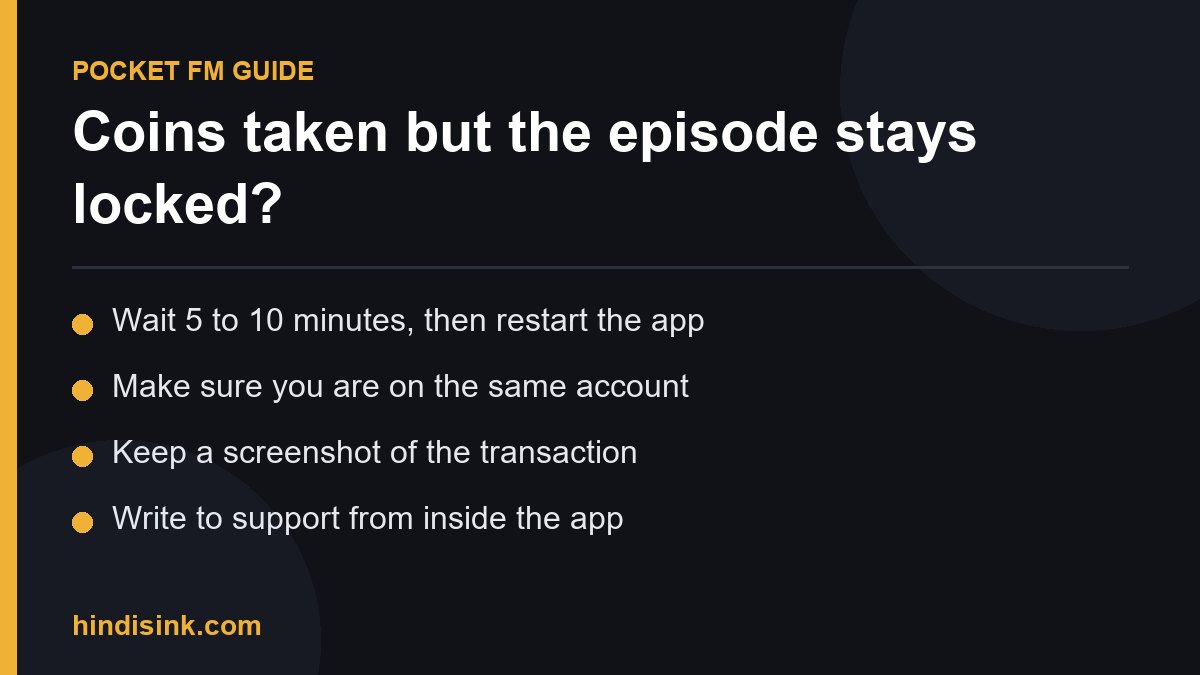
- Close the app completely (swipe it away from recent apps), reopen it and go back to the same show.
- Pull down on the episode list to refresh it.
- Still locked? On Android, go to Settings > Apps > Pocket FM > Storage > Clear cache. Use Clear cache, not Clear data, since clearing data signs you out.
- Check your coin history in the app. If the coins show as spent and the episode stays locked after a while, take a screenshot and contact support (see below).
One more thing to check: it is easy to spend coins on the wrong episode, or even a different show, by mistake. Look at your continue-listening row to see which episode actually unlocked.
Fix 2: The episode did not unlock after watching an ad
Pocket FM’s FAQ lists watching ad videos as an official way to unlock locked episodes. The unlock depends on the ad actually playing through, so these are the usual reasons it fails:
- You pressed back or closed the ad before it finished.
- A call came in, you opened a notification or your screen locked while the ad was playing.
- An ad blocker, a private DNS service or a VPN is running. These can stop the ad from loading, so the app never registers it as watched.
- The ad option is not being offered on that episode at the moment.
Fix: turn off any ad blocker, private DNS or VPN, allow Pocket FM to use background data, and let the ad play to the end without touching it. If no ad loads, wait a bit and try again, ideally on Wi-Fi. For how ad unlocks, coins and the daily free episode fit together, see our guide to listening to Pocket FM for free.
Fix 3: Episode not loading or stuck buffering
The episode is unlocked but will not play. The loading circle keeps spinning, or it plays for a few seconds and stops. Work through these in order:
- Switch networks (Wi-Fi to mobile data or the other way). If other streaming apps work and Pocket FM does not, the problem is likely on the app side, so keep going.
- If the player has an audio or streaming quality setting, try a lower one.
- Check your phone storage. If it is nearly full, the app may not be able to buffer. Remove some downloads or apps you do not use.
- Clear the cache (as in Fix 1) and restart your phone.
- Turn off battery saver and data saver. They can cut streams in the background, especially when the screen is off.
If only one episode will not play and the rest are fine, the problem may be with that episode rather than your phone. Try again in a few hours, or report the show name and episode number to support.
Fix 4: “Content not available in your region”
This message means the app has decided a show is not offered in the region it detects for you. Check these:
- A VPN is on: the most common cause. Turn it off and restart the app. Using a VPN to change your region can also cause trouble with your account.
- Your store country: on Android, check the country on your Google Play account (Play Store > your profile > Settings > General > Account and device preferences). On iPhone, check the country of your Apple account.
- You really are abroad: if the show is not offered where you are, there is no setting that fixes it. You can ask support whether it will become available.
Fix 5: The app crashes or closes as soon as it opens
- Update the app from Google Play or the Apple App Store. Crash bugs are often fixed in the next version.
- Clear the cache, then restart your phone.
- If your phone has a system update waiting, install that too.
- Still crashing? Uninstall, restart and reinstall. Your coins and unlocked episodes are tied to your account, not your phone, so sign back in with the same login method you used before.
- If you installed Pocket FM from an APK site, remove it and install the official app from the store. Modded APKs crash, can put your phone at risk and can get your account in trouble.
Fix 6: You bought coins but they did not show up (restore purchase)
The payment went through but your coin balance did not change. Do not panic. There can be a short delay between payment and credit.
- Wait a few minutes, then close and reopen the app.
- Make sure you are signed in to the same account you bought from. A common mistake is paying on one account and being signed in to the app with a different login.
- On iPhone, look for a Restore purchases option in the app’s settings or store screen if one is offered. On Android, check the order under Play Store > Payments & subscriptions > Budget & history to see whether it completed.
- If the order completed and the coins still have not arrived, contact Pocket FM support with your order ID.
- Google Play and the App Store each have their own refund request process for purchases. If support cannot sort it out, that route is open to you.
Fix 7: The daily free episode is missing
This is the one most people get wrong. Pocket FM’s FAQ says listeners get “a complimentary daily episode by ensuring they have listened to the latest available unlocked episodes entirely.” So if the free episode is not there:
- Finish your latest unlocked episode to the very end. If you skipped ahead or stopped partway, go back and complete it.
- Check the wait time on the episode. Pocket FM says the wait for a free episode is “clearly indicated for each episode”. Tap the locked episode to see how long is left.
- Set your phone to automatic date and time. A manually set clock can confuse the app. Moving the clock forward to skip the wait is not a trick worth trying and can cause trouble with your account.
- Update the app if the free unlock option is not showing at all.
How to contact Pocket FM support
If none of the fixes above work, especially when coins or payments are involved, it is time to contact support.
- Start with the help or support section inside the app, so your request is linked to your account.
- Pocket FM’s official help FAQ covers unlocking, coins and promo codes and is worth a quick read first.
- In your message, include your registered email or phone number, the show name, the episode number, when the problem started and a screenshot of the error or your coin history.
- For payment issues, add your Google Play or App Store order ID. Without it, support cannot easily trace the purchase.
A warning: phone numbers listed as “Pocket FM customer care” on random websites are a common scam. Real support will never ask for your password, a one-time code or a payment to “verify” you. If someone sends you a support link on Telegram or WhatsApp, check it with our free Link Safety Checker before you open it.
Fixed? Then back to the story. Our English Pocket FM story guides list episode counts and status for each show, and long series like My Vampire System and Insta Millionaire are much easier to get through once you know the free routes.
FAQ: Pocket FM unlock and loading problems
Why are my Pocket FM episodes not unlocking?
Usually the app screen is out of date, the app needs an update, or you do not have enough coins. Close the app fully, reopen it, refresh the episode list and check for an update. In many cases the episode was already unlocked and simply was not showing yet.
Why is Pocket FM not loading even though my internet works?
Clear the app cache, turn off battery saver and data saver, free up some storage and try a lower audio quality. If only one episode fails, the problem may be with that episode, so try again later.
Pocket FM took my coins but the episode is still locked. What do I do?
Restart the app and refresh first. If it is still locked, open a support request from inside the app with a screenshot of your coin history. For coins you paid real money for, include your store order ID.
Why did the episode not unlock after I watched an ad?
The ad was closed early, something interrupted it, or an ad blocker, private DNS or VPN stopped it from loading. Turn those off and let the ad play to the end.
Why is my Pocket FM free episode not showing today?
Pocket FM gives the daily free episode once you have finished your latest unlocked episodes completely. Finish that one, then check the wait time shown on the next locked episode.
Is there a Pocket FM customer care phone number?
Use the support options inside the app and Pocket FM’s official help pages. Be very careful with “customer care numbers” found on other websites, and never share your password or a one-time code with anyone.
Last checked: 2026-09-23. App menus and wording can change between versions, so the labels in your app may differ slightly.
Hindi Sink को फॉलो करें
@hindisinkofficialनई Pocket FM कहानियों, स्टोरी गाइड और ताज़ा अपडेट सबसे पहले पाने के लिए हमें सोशल मीडिया पर फॉलो करें।